No. And the sooner the gaming industry stops implying otherwise, the better.
The real answer to this question starts with one question back at you: what do you actually play? Because the hardware you need for Valorant, PUBG Mobile on emulator, and Minecraft is completely different from what you need for Cyberpunk 2077 at 4K with ray tracing. Treating them the same is where the confusion and the overspending begins.
The Myth That’s Costing People Real Money
The idea that great gaming requires expensive hardware is one of the most successfully marketed myths in consumer technology. It feeds on comparison anxiety you see someone’s $2,000 battlestation on YouTube and assume that’s the entry price. It isn’t.
A well-optimised $500 gaming PC can deliver impressive results, especially in esports titles. Valorant runs at extremely high frame rates, often exceeding 100 FPS even on high settings. Fortnite runs at smooth 60-70 FPS on competitive settings. Apex Legends is fully playable with balanced settings.
If you play esports titles, a $500 machine is not a compromise. It’s genuinely the right tool for the job.
The Specification Problem Nobody Explains
Here is the thing manufacturers never tell you clearly: the minimum and recommended specs printed on a game’s store page apply only to that game running completely alone on a clean system.
They do not account for:
Windows itself consuming 3-5GB of RAM before you open a single app. That overhead is not optional it is the operating system doing its job, and it runs whether you want it to or not.
Background processes you forgot were running including Discord, your browser, Steam client, Xbox Game Bar, OneDrive sync, antivirus scanner, and Windows Update downloading silently while you play.
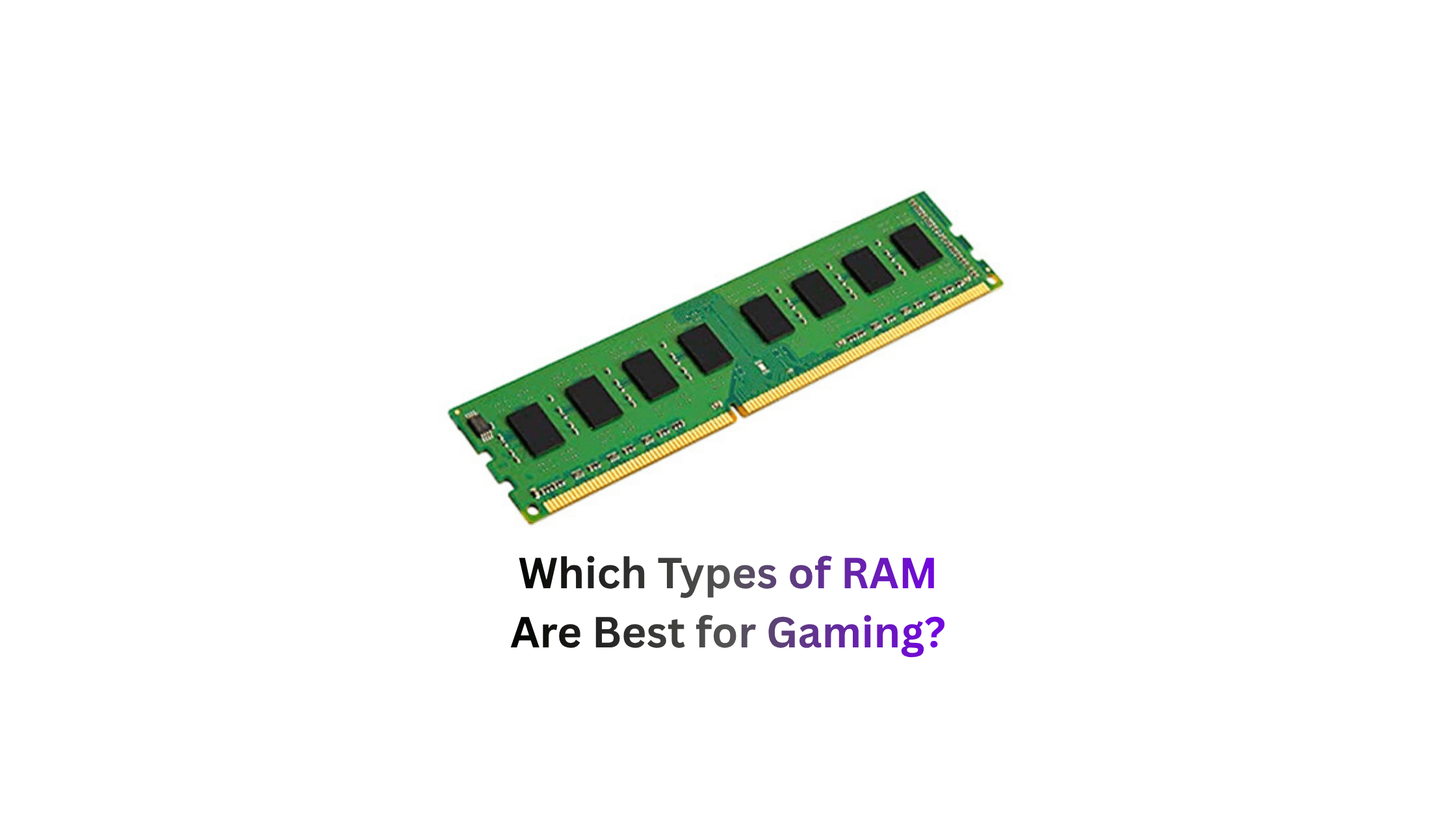
This is why a PC that technically meets “recommended” specs still stutters. The developer tested on a clean machine with nothing else running. Your machine is never clean. 16GB of RAM is the floor you may need to close unnecessary applications when playing resource-intensive games because Windows, a game launcher, and the game itself together are already pushing against that ceiling.
The practical rule: always mentally add 4-6GB to any RAM requirement you read on a game’s store page. A game listed as needing 8GB actually needs 12-14GB in real-world conditions when Windows and your background apps are factored in.
The Confusion That Sends People Overspending
Most people approach hardware buying backwards. They look at the most demanding game they might ever want to play, find the recommended spec for that game, and build to that number. Then they pay for hardware they use at 20% capacity for 90% of their gaming sessions.
The better question is: what is the ceiling of what you actually play today?
If you are planning on mostly playing 2D indie games or esports games such as League of Legends and Valorant, you likely will not need a super-powerful machine since these titles are usually well-optimised to run on lower-end hardware.
Here is the honest breakdown of what different types of players actually need:
| What You Play | Real Example Games | Budget Needed | GPU Sweet Spot | What to Skip |
|---|---|---|---|---|
| Esports & Light Games | Valorant, CS2, Roblox, PUBG Mobile emulator | $400 – $500 | No GPU needed, integrated graphics works | Dedicated GPU, RTX anything |
| Popular Battle Royale | Fortnite, Apex Legends, Warzone (1080p) | $500 – $700 | RX 6600 or RTX 3060 | Anything more powerful than these two |
| Open World AAA (1080p 60FPS) | GTA V, Cyberpunk, Hogwarts Legacy | $600 – $800 | RTX 3060 Ti or RX 6700 | Expensive CPU, premium motherboard |
| AAA at 1440p | Cyberpunk, Alan Wake 2, Black Myth | $900 – $1,100 | RTX 4070 or RX 7800 XT | Flagship GPU, extreme speed DDR5 |
| 4K Max Settings Ray Tracing | Everything at absolute best visuals | $2,000+ | RTX 4090 or RTX 5080 | Most people genuinely do not need this tier |
The last row in that table is where $1,000+ becomes relevant. Everything above it does not need it.
The Hardware Myths That Drive Bad Purchases
More cores means better gaming.
It does not. Most modern games still rely heavily on strong single-thread performance and efficient scheduling rather than simply throwing more cores at the problem. That is why CPUs with fewer, faster cores often outperform chips with larger core counts in gaming workloads. Buying a 16-core CPU for gaming means paying for 10 cores that will sit idle during your entire session.
You need an expensive motherboard for good performance.
You do not. Budget and midrange CPUs run perfectly fine on mainstream boards. Unless you are chasing extreme overclocks, spending extra purely for a premium motherboard is money that could be better allocated elsewhere. A B650 or B760 board does everything a gaming PC needs.
Future-proofing justifies spending more today.
Future-proofing is a myth that hardware companies love. No amount of spending today prevents your build from being mid-range in 3-4 years. Instead of overspending now, build smart at mid-range and use the savings for a GPU upgrade in 2-3 years. The money you save buying appropriately today will buy you a better upgrade in two years than the premium you paid today ever justifies.
The most expensive version of a component is the safest choice.
The best build is not the one that spends the most it is the one that aligns with how you actually play. Performance is not just measured in frames.
The Free Fixes Nobody Tries First
Before spending a single dollar on hardware, do these things. Most people skip straight to buying parts without ever doing the free version first.
Close Chrome before launching your game. Chrome holds 500MB-1GB of RAM open even with zero tabs visible. That memory comes directly out of what your game can use.
Turn Xbox Game Bar off. Go to Settings, Gaming, Xbox Game Bar, and switch it off. It runs constantly, consumes CPU, adds input latency, and the vast majority of players never use it once.
Set your Power Plan to High Performance. Windows defaults to Balanced mode on most systems, which throttles your CPU clock speed to save power including during gaming. Go to Control Panel, Power Options, and switch to High Performance. This is free and immediate.
Pause Windows Update before gaming sessions. Windows Update downloads and installs silently in the background and competes directly with your game for CPU, RAM, and storage bandwidth. Pause it for 7 days in Settings, Windows Update, Advanced Options.
Add your game folders to antivirus exclusions. Your antivirus scans every file write in real time during installation and gameplay. Adding your game library folder to Windows Defender exclusions stops this silent overhead completely.
These five changes cost nothing and together deliver more real-world performance improvement than upgrading from 8GB to 16GB RAM would on many systems. Try them before you open PCPartPicker.
The One Component Where Money Actually Matters
If you are going to spend more anywhere, spend it on the GPU. Not the CPU, not the motherboard, not RGB lighting. The GPU.
The GPU renders everything you see. For gaming, this is typically the most important component and where most of your budget should go.
Everything else in a gaming PC exists to support the GPU doing its job. A fast CPU paired with a weak GPU produces a slow gaming machine. A modest CPU paired with a strong GPU produces a fast one. That hierarchy is consistent across almost every gaming workload that exists.
Second priority is your monitor, not your PC components. A $700 PC driving a quality 1440p 144Hz monitor produces a better daily gaming experience than a $1,200 PC driving a 1080p 60Hz monitor that came free with a desk. Do not build a sports car and park it on a dirt road.
The Honest Summary
You do not need a $1,000+ PC for a great gaming experience. You need the right PC for the games you actually play.
The best gaming PC in 2026 is the one that matches your needs, not just the highest spec sheet. Choose wisely and you will end up with a system that delivers great performance today and stays relevant for years to come.
Start by answering what you play. Build to that ceiling. Do the free Windows optimisations first. Spend the GPU budget where it belongs. And stop measuring your gaming experience in dollars measure it in whether the game runs well for the way you actually play it.
That is the only spec that matters.