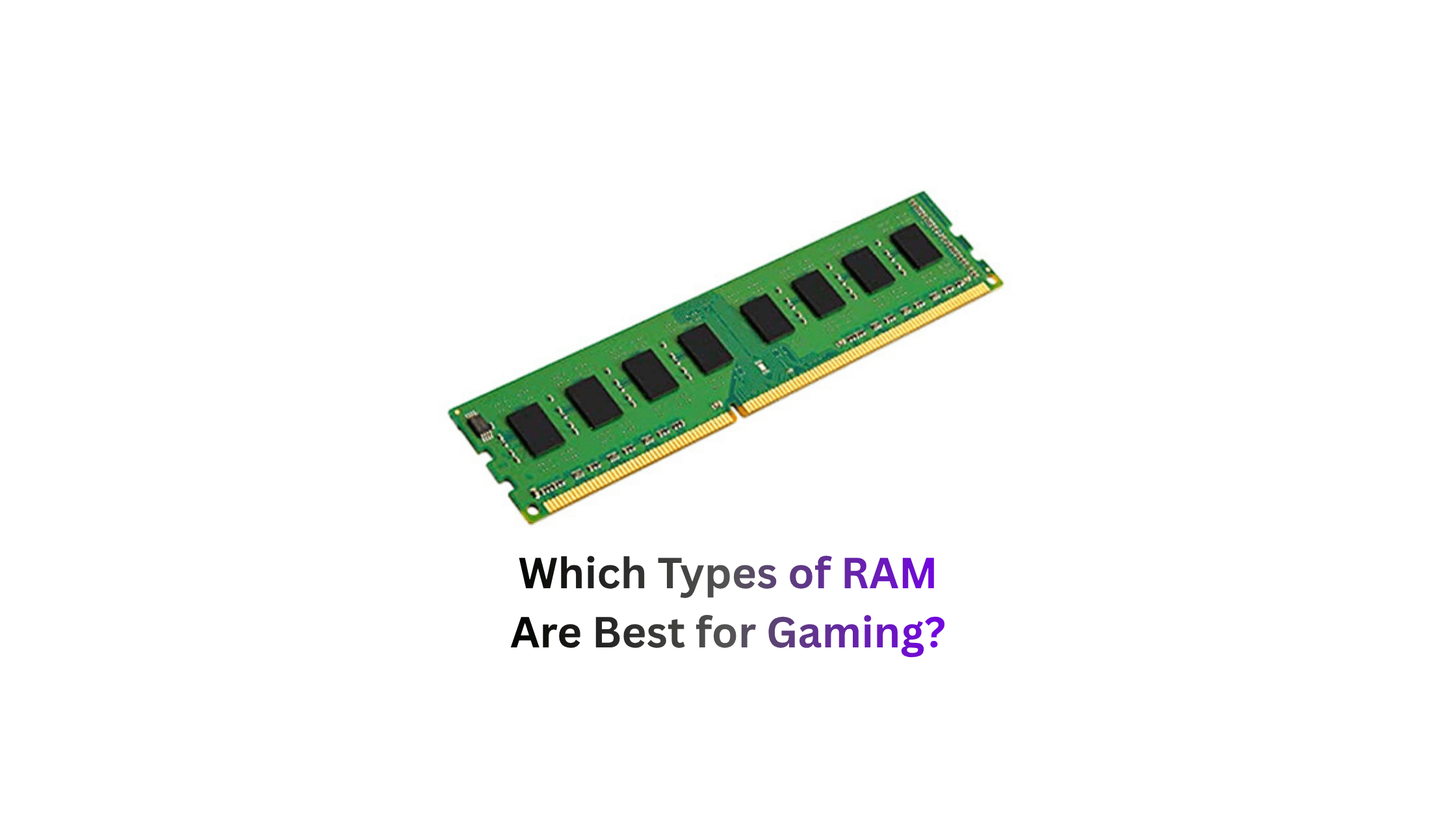
RAM is one of those components that most people buy once and never think about again. But in 2026, the wrong RAM choice can cost you real performance and the right choice depends entirely on your platform, budget, and what you’re gaming on. Here’s everything you need to know, broken down clearly.
First: Understand the RAM Types That Actually Affect Gaming
Not all RAM is the same and different types serve completely different purposes. Before picking a kit, you need to know which type is relevant to your specific device.
Here’s the full breakdown:
| RAM Type | Used In | What It Does |
|---|---|---|
| DDR4 | Desktop PCs, older laptops | General-purpose system RAM, AM4 and LGA 1700 platforms |
| DDR5 | Modern desktop PCs, new laptops | Current-gen standard, AM5 and Intel 12th gen onwards |
| LPDDR5 | Laptops, phones, tablets | Low-power DDR5 for mobile devices, soldered in place |
| LPDDR5X | Ultrabooks, handhelds, flagship phones | Faster version of LPDDR5, better for AAA mobile gaming |
| GDDR6/GDDR6X | GPU VRAM | Graphics card memory, not upgradeable by user |
| GDDR7 | Latest GPUs (RTX 5000, RX 9000) | Next-gen GPU VRAM, 2x bandwidth of GDDR6 |
| HBM3/HBM4 | AI chips, server GPUs | Ultra-high bandwidth, not relevant to consumer gaming |
The types that matter for most gamers are DDR4, DDR5, and LPDDR5. Everything else is either inside your GPU or inside your phone.
DDR4: Still Alive and Genuinely Good
DDR4 is not dead in 2026 and if you’re on an AM4 or LGA 1700 platform, it still makes a strong case. DDR4 was the de facto memory standard for PCs for the last decade and still performs very well in gaming. Real-world benchmarks consistently show DDR4 running at 3200 to 3600 MHz coming within 5% of budget DDR5 in most gaming workloads.
Testing shows that a 32GB DDR4-3200 or 3600 MHz kit performs within 5% of entry-level DDR5 in most games.
At 1440p and 4K the gap shrinks even further because the GPU becomes the main bottleneck anyway. The real-world performance differences are small and non-existent in GPU-limited scenarios such as 4K gaming, which is usually the case unless you’re chasing very high frames per second.
The sweet spot for DDR4 gaming in 2026:
On Intel platforms, 3200 MHz with CL16 timing gives strong, stable performance on most boards. On AMD Ryzen, 3600 MHz is the better target because it aligns the Infinity Fabric at 1800 MHz, which lowers latency and improves 1% lows in CPU-sensitive games.
Should you upgrade from DDR4 to DDR5? If you have a good DDR4 kit, let’s say a 2×16 GB DDR4-3200 C14 kit or better, there’s little reason to spend the money to upgrade to DDR5 for gaming.
DDR5: The Current Standard for New Builds
If you’re building a new PC in 2026, DDR5 is the only sensible choice. It’s certainly sensible to opt for DDR5 when making a new purchase, especially as it’s also an investment in the future. New gaming titles with high demands will run significantly better on DDR5 than on DDR4, and the next upgrade to DDR6 won’t appear until 2027 at the earliest.
DDR5 isn’t just faster it’s architecturally different. DDR5 supports larger memory capacity, higher bandwidth, and is more efficient. DDR5 is twice as fast as DDR4 and quadruples the per-die memory density. It also splits the larger 64-bit channel into two independent 32-bit subchannels.
The performance gains are real at 1080p. At 1080p with a fast GPU and CPU-bound games, DDR5 can show 10-20% higher frame rates. For competitive gaming at high refresh rates, DDR5 6000 is the better choice.
The Right DDR5 Speed for Your Platform
This is where most people get it wrong buying the fastest DDR5 kit available isn’t always the best move. Your CPU’s memory controller has a sweet spot, and exceeding it gives you diminishing returns.
Different processors need different memory configurations for optimal performance. DDR5 only sweet spot is 6000 MT/s CL30 for perfect 1:1 sync with memory controller on AMD. X3D chips need nothing faster. Arrow Lake benefits from 6400 to 8000 speeds. CUDIMM technology stabilizes extreme frequencies above 8000 MT/s.
Here’s the platform-specific sweet spot table:
| Platform | Best DDR5 Speed | Notes |
|---|---|---|
| AMD AM5 (Ryzen 7000/9000) | DDR5-6000 CL30 | Perfect 1:1 Infinity Fabric sync |
| AMD AM5 X3D chips | DDR5-6000 | Going faster adds no gaming benefit |
| Intel Arrow Lake (Z890) | DDR5-6400 to 8000 | CUDIMM helps above 8000 MT/s |
| Intel Core 13th/14th Gen | DDR5-5600 to 6000 | Stable sweet spot |
| Budget DDR5 builds | DDR5-5600 | Solid entry point, good value |
CUDIMM technology costs a significant premium and only benefits Intel Z890 boards running above 8000 MT/s. Most gamers see negligible real-world gains. Standard UDIMM DDR5-6400 offers 95 percent of the performance at half the cost.
How Much RAM Do You Actually Need?
The minimum bar has moved in 2026 and it moved faster than most people expected. Several 2024-2026 titles have reported performance issues with 16GB, and memory usage in open-world games is creeping up. 32GB DDR5 is the recommended baseline for a future-proof gaming PC, not overkill.
We suggest starting with 16GB for DDR4 systems. For DDR5 systems, only use two sticks. At higher speeds, memory controllers don’t work well with 4-stick setups. If you can afford it, 32GB is the best amount.
Here’s the honest capacity guide:
| RAM Amount | Who It’s For | Reality Check |
|---|---|---|
| 8GB | Absolute budget minimum | Stutters in modern open-world games |
| 16GB DDR4 | Budget gaming, older platforms | Handles current games, tight on newer titles |
| 16GB DDR5 | Mid-range new builds | Works fine today, may need upgrade by 2028 |
| 32GB DDR4 | Existing DDR4 systems future-proofing | Best value upgrade for older platforms |
| 32GB DDR5 | New builds, recommended baseline | The default recommendation for 2026 builds |
| 64GB DDR5 | Content creators, streaming while gaming | Overkill for pure gaming but useful for multitaskers |
LPDDR5 and LPDDR5X: For Laptop and Mobile Gamers
If you game on a laptop, ultrabook, or handheld, LPDDR5 is your RAM type and you cannot upgrade it. LPDDR is a low-power version of DDR RAM, designed for energy efficiency. It’s used in devices where battery life is a priority. LPDDR5 is soldered directly onto the motherboard you choose your capacity when you buy the device, and that’s it forever.
LPDDR5X is the version that actually matters for gaming laptops in 2026. With the introduction of LPDDR5X, bandwidth has reached or even surpassed that of DDR5, enabling smooth performance when running AAA games on devices like ultrabooks.
The trade-off is thermal limits. Sustained heavy gaming on LPDDR5X devices runs into the thermal ceiling of the chassis faster than a desktop DDR5 system which is why gaming laptops with LPDDR5X still throttle under extended load in ways desktop builds don’t.
GDDR7: The GPU VRAM Revolution
Your GPU has its own separate RAM and in 2026, GDDR7 is the new standard on RTX 5000 and RX 9000 cards. GDDR (Graphics Double Data Rate) memory is similar to DDR RAM but optimized for graphical workloads. Current GPUs use GDDR6 or GDDR6X.
GDDR7 doubles the bandwidth of GDDR6 which is critical for 4K gaming where texture streaming from VRAM is the bottleneck. If your GPU runs out of VRAM, textures spill over into system RAM, and the bandwidth difference between GDDR7 and DDR5 creates a massive performance gap.
This is why VRAM capacity matters alongside system RAM. A GPU with 12GB of GDDR7 is significantly faster than one with 12GB of GDDR6 even at the same capacity.
What’s Coming Next: DDR6
DDR6 is on the horizon but not worth waiting for. Desktop DDR6 won’t arrive before late 2027 or early 2028. Waiting means losing 1-2 years of performance. New standards come with high prices at launch, initial BIOS bugs, limited compatibility, and low stock. Current DDR5 remains very performant for 3-5 years minimum.
The one exception is mobile. For laptops and mobile: if renewing late 2026, targeting LPDDR6 may make sense. The first LPDDR6 smartphones and laptops are expected in Q3/Q4 2026.
Quick Verdict: Which RAM is Best for Your Situation?
| Your Situation | Best RAM Choice |
|---|---|
| New desktop build 2026 | 32GB DDR5-6000 CL30 (AMD) or DDR5-6400 (Intel) |
| Existing AM4 or LGA 1700 system | 32GB DDR4-3600 CL16 no need to upgrade |
| Budget new build | 16GB DDR5-5600 as a starting kit |
| Gaming laptop buyer | Look for LPDDR5X, minimum 16GB |
| Competitive 1080p gaming | DDR5-6000 the 10-20% FPS gains are real here |
| 4K gaming | RAM generation barely matters, GPU is the bottleneck |
| Should I wait for DDR6? | No build now with DDR5, upgrade in 2028 |
The honest bottom line for 2026: DDR5 is technically better, especially at high frequencies. In practice, the difference at 1440p and 4K is small under 5% in most games. Going 32GB DDR5-6000 is the default recommendation for any new gaming PC in 2026.
If you already have DDR4 and it’s running at 3200-3600 MHz with 32GB stay there. Switching from DDR4 to DDR5 requires a new motherboard and usually a new CPU. The gaming performance gain does not justify that cost. If you are already planning a full build, yes, go DDR5. Otherwise, put the money toward your GPU.
Leave a Reply