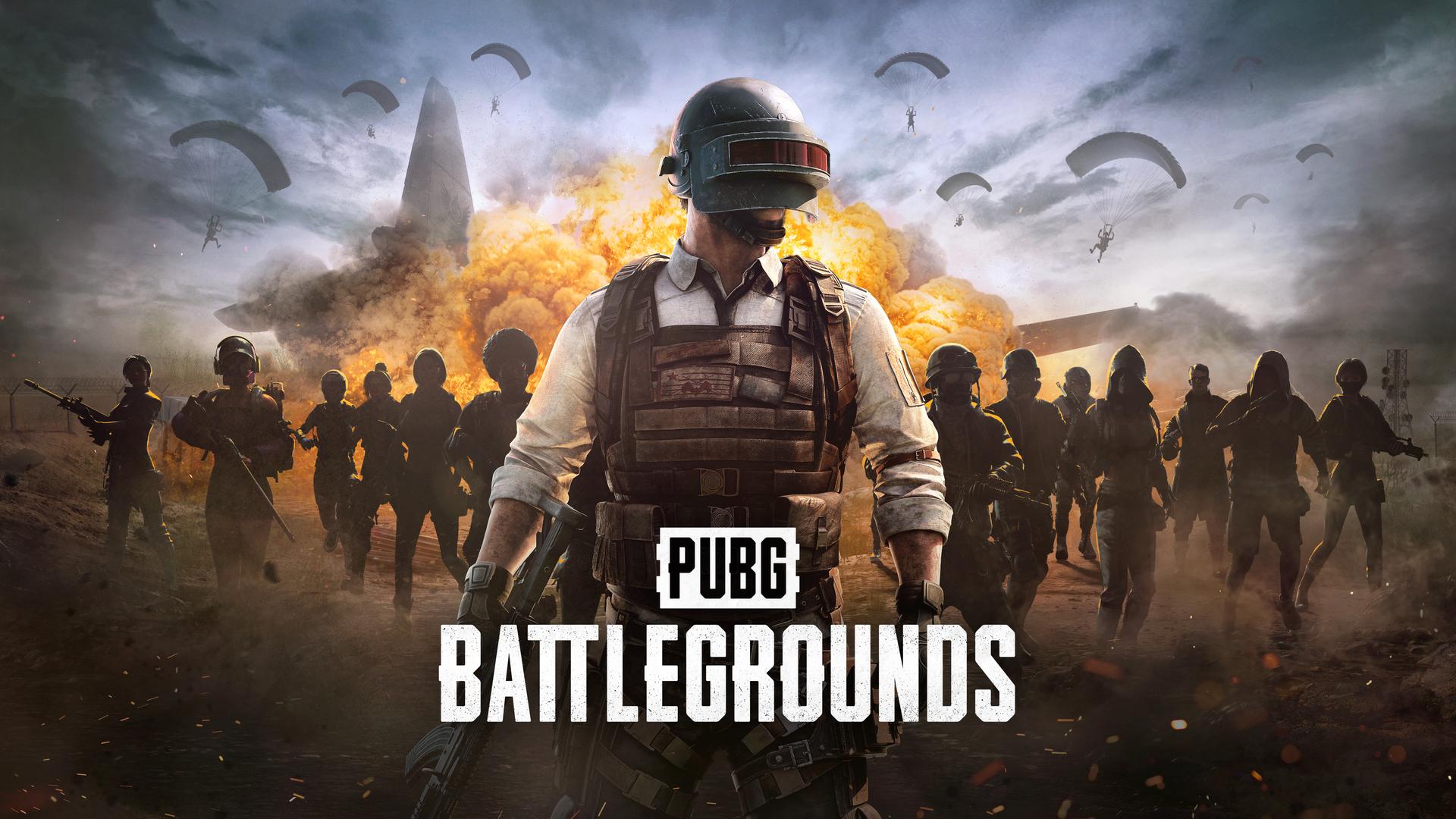
Yes, PUBG is completely free on Steam and has been since January 2022. No purchase, no subscription, just download and drop in. PUBG went free-to-play in 2022 and its hardware requirements have remained largely unchanged since its early access days.
Here’s everything you need to know before you install.
How to Get It Free on Steam
Head to the PUBG: Battlegrounds Steam page and hit “Play Game” it’s free, no catch. You’ll also find it free on Epic Games Store if you prefer that launcher.
What’s locked behind the paid “BATTLEGROUNDS Plus” upgrade ($12.99 one-time)? Ranked mode, custom matches, and extra career stats. Everything else all maps, all modes, all weapons is free.
System Requirements Minimum vs Recommended
The minimum requirements for PUBG are: OS 64-bit Windows 10, CPU Intel Core i5-4430 or AMD FX-6300, RAM 8GB, GPU NVIDIA GeForce GTX 960 2GB or AMD Radeon R7 370 2GB, DirectX Version 11, Storage 40GB.
The recommended requirements are: OS 64-bit Windows 10, CPU Intel Core i5-6600K or AMD Ryzen 5 1600, RAM 16GB, GPU NVIDIA GeForce GTX 1060 3GB or AMD Radeon RX 580 4GB, DirectX Version 11, Storage 50GB.
Full Specs Comparison Table
| Component | Minimum | Recommended |
|---|---|---|
| OS | Windows 10 64-bit | Windows 10 64-bit |
| CPU | Intel i5-4430 / AMD FX-6300 | Intel i5-6600K / AMD Ryzen 5 1600 |
| RAM | 8GB | 16GB |
| GPU | GTX 960 2GB / R7 370 2GB | GTX 1060 3GB / RX 580 4GB |
| DirectX | Version 11 | Version 11 |
| Storage | 40GB | 50GB |
| Network | Broadband internet | Broadband internet |
What You Actually Get at Each Spec Level
At minimum specs playable but rough. Running PUBG at minimum specs delivers average FPS of 40–50, dropping to 25–30 FPS during intense firefights. You’ll survive but the experience isn’t smooth enough for competitive play.
At recommended specs this is where it gets good. A PC meeting recommended specs delivers average FPS of 60–80, with a maximum around 100 and a minimum of around 45 during intense fights. That’s the sweet spot for consistent, enjoyable gameplay.
The real competitive sweet spot in 2026 is a GTX 1660 Super or RX 5600 XT. That combination with a modern 6-core CPU delivers consistent 80–100 FPS at 1080p on Medium-High settings smooth enough for competitive play without needing a high-end rig.
Storage SSD Is Non-Negotiable
Don’t install PUBG on an HDD if you can avoid it. PUBG’s large open-world maps like Erangel and Taego stream assets continuously HDD users frequently experience terrain pop-in and loading stutters mid-match.
An SSD fixes both problems instantly faster load times and no mid-match texture pop-in that can cost you a firefight. Even a basic SATA SSD is a massive upgrade over a spinning drive for PUBG specifically.
Best Settings for More FPS
These are the settings that actually move the needle on performance:
Turn the first-person FOV up to 103, turn off Motion Blur, Smooth Frame Rate, and V-Sync these cause input and visual lag that hurts gameplay, especially when the circle starts closing in.
View Distance is the biggest single FPS setting in PUBG. View Distance affects how far terrain and objects render reducing it from Ultra to Medium significantly improves performance on outdoor maps without impacting close-range combat at all.
Setting Shadows and Foliage to Very Low also helps make hiding opponents easier to spot while freeing up significant GPU headroom. It’s a competitive advantage and a performance gain at the same time.
Quick Settings Reference for Low-End PCs
| Setting | Value | Why |
|---|---|---|
| V-Sync | Off | Reduces input lag |
| Motion Blur | Off | Cleaner visuals, less GPU cost |
| Smooth Frame Rate | Off | Unlocks full FPS potential |
| Shadows | Very Low | Big FPS gain + easier to spot enemies |
| Foliage | Very Low | FPS gain + competitive visibility |
| View Distance | Medium | Biggest single FPS improvement |
| Anti-Aliasing | Medium or Off | GPU headroom on older cards |
| Textures | Medium minimum | Keep at Medium going lower causes crucial details to blend into backgrounds |
| FOV | 103 | Better situational awareness |
Which Map to Play on Low-End Hardware
Not all PUBG maps run equally pick the right one for your PC. Erangel and Vikendi are the most demanding maps due to their large open vistas and detailed environments. Sanhok is more enclosed and typically runs 10–15% better if you’re on minimum-spec hardware, Sanhok is the most playable map.
Start on Sanhok, learn the game, then move to bigger maps when you’re comfortable both with the gameplay and your FPS.
Can You Play PUBG on 4GB RAM?
Short answer no. PUBG’s official minimum is 8GB RAM and that’s a hard floor. On 4GB RAM, the game will struggle to load, crash frequently, and stutter constantly it’s below the supported threshold entirely.
If you’re on 4GB RAM, upgrading to 8GB is the single most impactful hardware change you can make it’s inexpensive in 2026 and unlocks PUBG plus dozens of other modern titles that share the same 8GB minimum.
Bottom line PUBG is free, accessible, and genuinely fun if your hardware meets the bar. It’s one of the more forgiving battle royale games in terms of minimum spec a GTX 960 technically gets you in the door. Get it free on Steam, install on an SSD, turn off shadows and motion blur, and drop into Sanhok first.
Leave a Reply