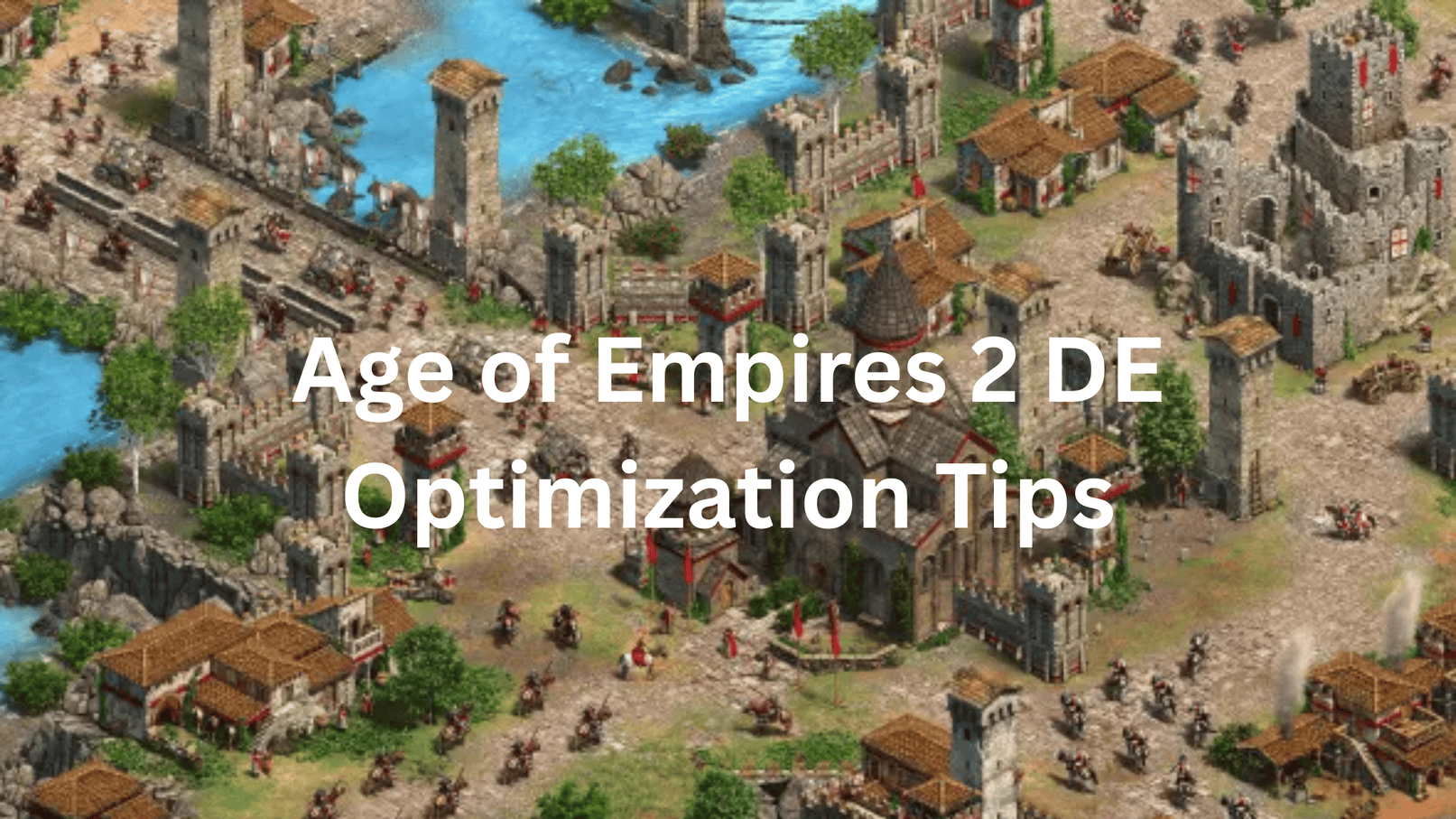
AoE2 DE is one of those games that looks simple until someone with 2,000 hours destroys your base in 10 minutes. The gap between a casual player and a good one comes down to PC settings, hotkeys, and economy discipline and all three are fixable right now.
Here’s everything, in order.
Part 1 PC Performance Optimization
The Settings That Actually Move the Needle
AoE2 DE is more CPU-dependent than GPU-dependent – large maps with 500 population units are CPU workloads, not graphics card workloads. Don’t waste time tweaking visual settings when your bottleneck might be elsewhere.
Disable V-Sync, Anti-Aliasing, and Enhanced Graphics – these three settings have the biggest direct impact on FPS without affecting gameplay at all. Turn them off first before touching anything else.
Map size and population cap are the biggest performance variables in the game. The larger the map and higher the population, the more it taxes your computer if you’re having performance problems, try creating a smaller map or capping population at 200 per team.
Animate Fog and blood effects also eat GPU memory especially on integrated graphics where CPU and GPU share the same RAM pool. Turn off fog animations and reduce any settings that use GPU memory if you’re on a shared memory setup.
Force High Performance Mode in Windows
Windows doesn’t always use your GPU properly for AoE2 DE force it manually. From the Windows Start Menu, search for Graphics Settings → Browse → select AoE2DE_S.exe from your Steam folder → click Options and choose High Performance → save and relaunch.
This single change fixes the “good PC, bad performance” problem that confuses a lot of players Windows quietly assigns the wrong GPU adapter to the game until you override it.
The Threaded Optimization Fix
If you’re getting stutter on an NVIDIA GPU, disable Threaded Optimization. Disabling threaded optimization in the NVIDIA Control Panel under Manage 3D Settings significantly reduces stutter and stabilises FPS before this fix, some users described the game as a slideshow.
Go to NVIDIA Control Panel → Manage 3D Settings → Program Settings → AoE2DE → Threaded Optimization → Off. It’s counterintuitive but widely verified across the community.
Network Optimisation for Multiplayer
Multiplayer lag in AoE2 DE is often a network configuration issue, not a PC issue. Close other programs accessing the internet browsers, other game clients, streaming apps and limit other devices on your network during matches.
Open these ports for the best connection quality: TCP Port 8888, UDP Port 9999, and Port 3478 (both UDP and TCP) forwarding these on your router eliminates most connection instability in multiplayer sessions.
Graphics Settings Reference Table
| Setting | Recommended Value | Impact |
|---|---|---|
| V-Sync | Off | Direct FPS gain |
| Anti-Aliasing | Off | GPU headroom |
| Enhanced Graphics | Off | CPU and GPU relief |
| Animate Fog | Off | Reduces memory usage |
| Shadow Quality | Low or Off | CPU saving on large maps |
| Resolution | Native | Drop to 75% if struggling |
| Population Cap | 200 per team | Reduces late-game CPU load |
| Map Size | Small/Medium for low-end PCs | Biggest single performance variable |
Part 2 Gameplay Optimization: Play Like a Pro
The One Rule That Explains 90% of Losses
Never stop producing villagers ever. Ceasing production of villagers is what gets most players killed if you ever think “I wish I had more food,” the answer is always more villagers on food.
Keep your Town Centre producing at all times. Right from the start keep the TC producing whether villagers or research and as soon as you reach Castle Age, build additional Town Centres to accelerate production further.
Master the Dark Age Default First
Every pro player has a “Dark Age default” a set opening they can execute on autopilot. Pro players have a set yet flexible method of blasting through the Dark Age they know what to prioritise and build, keeping the game plan consistent while adapting to the opponent.
Start with the 23 Pop Archer build order and practice it 3–10 times a day against AI. The 23 Archers build is the easiest to learn and teaches the core economy loop that underpins every intermediate and advanced build order in the game. The specific units matter less than ingraining the economy habits.
Build Order Benchmarks Know If You’re Improving
Track these timestamps to know if your Dark Age is actually getting better:
Clicking Feudal Age with 22 population at 8:07 is the maximum benchmark or 23 population at 8:35. Hitting Feudal Age with 12 to 14 farms before 15 minutes confirms your eco transition is working correctly.
Research economic upgrades the moment you hit Feudal Age every second of delay on Loom, Double-Bit Axe, and Horse Collar compounds across the rest of the game.
Hotkeys The Skill That Separates Everyone
The single most important hotkey in AoE2 DE is the period key (.) The idle villager hotkey instantly selects your next idle villager so you can put them back to work without losing sight of your army it’s the most impactful single shortcut in the game.
Learn these five hotkeys before anything else:
| Hotkey | Action | Why It Matters |
|---|---|---|
| H | Select Town Centre | Queue villagers without clicking around |
| . (period) | Select idle villager | Never waste a villager second |
| Ctrl + 1–9 | Assign control group | Manage army and eco simultaneously |
| 1–9 | Select control group | Instant army access without camera move |
| Q | Economic build menu | Build drop-off points instantly |
Alt + Q opens the economic view instantly showing how many villagers you have on each resource for fast economic balancing without breaking your rhythm.
Control Groups The Habit That Makes You Dangerous
Assign your army to Ctrl+1 the moment you produce units. Control groups let you attack on one side of the map while simultaneously queuing villagers from your Town Centre this is the core skill separating intermediate from advanced players.
Use Shift-click to queue multiple commands without babysitting units. Send your scout to explore, hold Shift and click multiple waypoints the scout follows the entire route while you focus on economy. This one habit alone doubles your effective map coverage in the Dark Age.
Economy Distribution Don’t Stockpile Resources
Resources sitting in your stockpile are wasted resources. Having lots of resources in stockpile is not good you have to spend them. Focus on 1 or 2 unit types and mass them, researching their upgrades and dedicating your economy to the resources those units need.
The resource-to-unit mapping is simple: Archers need Wood and Gold build Lumber Camps and Gold Mines. Knights need Food and Gold build Farms and Gold Mines. Pick your unit, feed the right resources, don’t split equally across everything.
Rushing Why It Works and When to Use It
An early rush isn’t about winning instantly it’s about economic damage and map control. Scout Rush and Archer Rush are the most common early strategies the objective is to kill villagers, gain map control, and create an economic advantage that snowballs through the rest of the game.
Killing even two or three villagers early puts your opponent permanently behind. If you kill villagers, develop your economy even further reach Castle or Imperial Age earlier and produce more units than the enemy can match, because more resources always equals more units.
Best Beginner Civilisations to Learn With
Don’t try to learn AoE2 on a complex civilisation. Huns, Britons, and Persians are the most beginner-friendly civilisations Huns don’t need houses saving significant wood for military production, Britons consume sheep faster keeping the Town Centre in constant villager production, and Persians start with extra resources allowing constant villager production from the very first seconds.
Pick one of these three and stick with it for your first 50 games. Mastering a simple civilisation teaches you the game’s core systems switching civilisations is easy once the fundamentals are solid.
Watch Replays The Free Coaching Nobody Uses
Watching your own replays is the fastest improvement method in the game. Watching and analysing your replays and pro replays gives you an outside view of your economy gaps, idle time, and unit micro mistakes that are invisible while you’re playing.
TheViper and Hera on YouTube are the community’s go-to pro players for learning. You can even download their hotkey profiles directly from the community using a pro player’s hotkey layout from the start builds the right muscle memory immediately rather than having to retrain habits later.
The honest truth about AoE2 DE improvement: Economy first, hotkeys second, military third. Every game you lose to a stronger player is a game where their villagers outworked yours fix the villager production habit before anything else, and the rest follows naturally.
Leave a Reply